
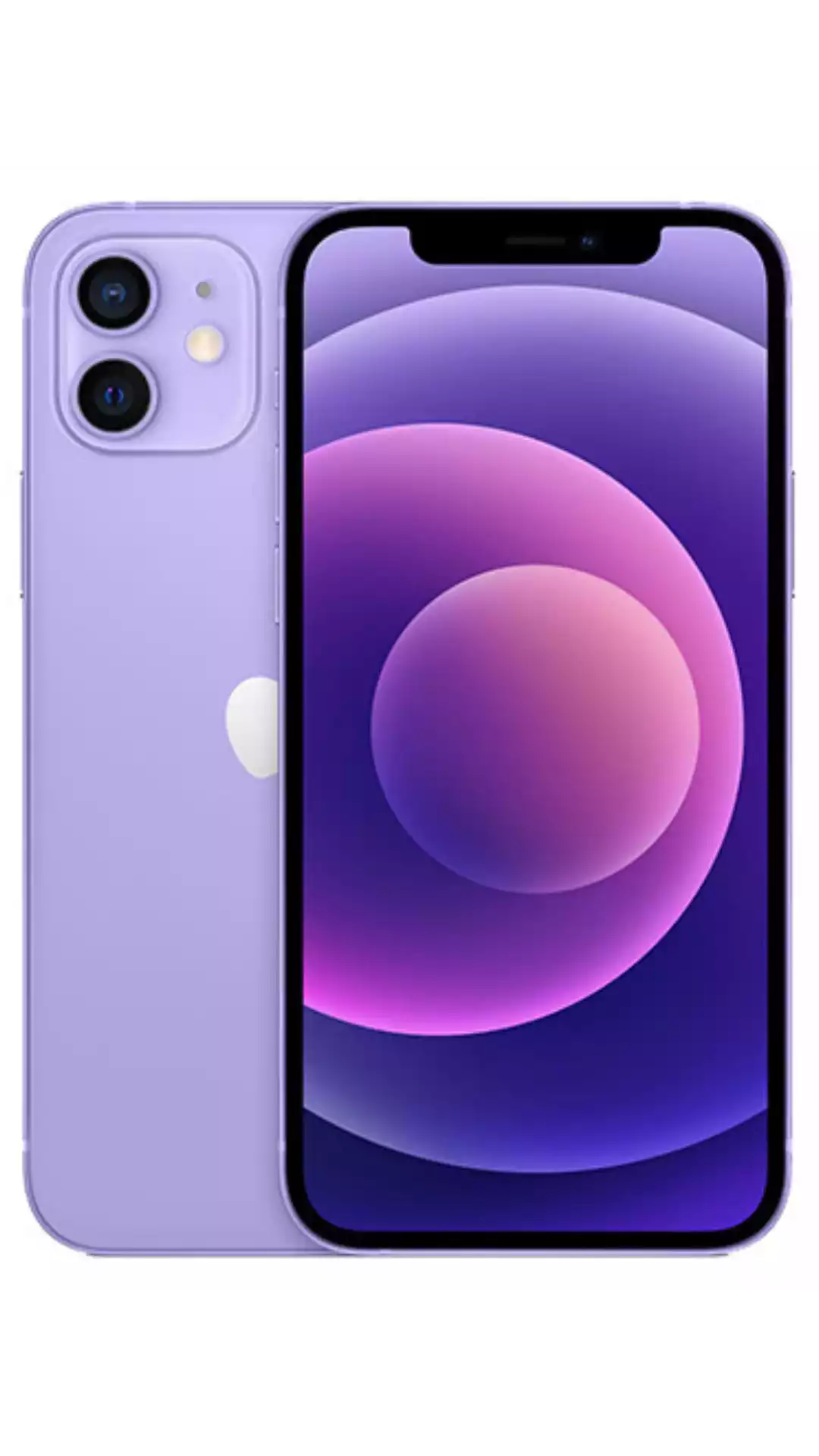
The iPhone 12 supports eSIM. To activate a Simbye eSIM on iPhone 12, open Settings → Cellular → Add eSIM, scan the QR code from Simbye, label the plan, and set it as the default data line. The iPhone 12 holds multiple eSIM profiles but keeps only one eSIM active at a time, so you run a single eSIM alongside your physical nano-SIM for dual-SIM travel. Simbye eSIMs cover 190+ countries from $3.
The iPhone 12 was the first iPhone generation released after Apple made eSIM mainstream, and every model in the line ships with an embedded SIM built into the logic board. That means you can install a travel data plan in about two minutes, keep your home number active for calls and texts, and avoid hunting for a SIM-card shop the moment you land.
This guide explains exactly how eSIM works on the iPhone 12, how to activate and manage a Simbye eSIM, how to configure dual-SIM correctly for travel, and how to fix the handful of errors that occasionally appear. It applies to the iPhone 12 mini, iPhone 12, iPhone 12 Pro, and iPhone 12 Pro Max.
Does the iPhone 12 support eSIM?
Yes. The iPhone 12, iPhone 12 mini, iPhone 12 Pro, and iPhone 12 Pro Max all support eSIM. Every model also keeps a physical nano-SIM tray, so you get true dual-SIM: one physical nano-SIM plus one eSIM running at the same time.
One detail trips people up. The iPhone 12 can store several eSIM profiles in memory, but only one eSIM can be active at any moment. This is single eSIM functionality, not dual-eSIM. You can keep an eSIM for Japan, one for Europe, and one for the USA all saved on the phone, then switch the active one in Settings without re-scanning a QR code. Dual-eSIM (two eSIMs active together) arrived on later iPhone models, not the iPhone 12.
| Feature | iPhone 12 detail |
|---|---|
| eSIM support | ✅ Yes — all four models |
| Physical SIM | 1x nano-SIM (tray present in every region) |
| Dual-SIM type | ✅ nano-SIM + eSIM (one physical + one eSIM active) |
| eSIM profiles stored | Up to 8 saved, only 1 eSIM active at a time |
| Dual eSIM (two eSIMs active) | ❌ No — single eSIM only on iPhone 12 |
| Chip | A14 Bionic |
| Release year | 2020 |
| Models covered | iPhone 12 mini, 12, 12 Pro, 12 Pro Max |
| iOS required for eSIM | iOS 14 or later (any current iOS is fine) |
To confirm your specific device handles eSIM, open Settings → General → About and scroll to Available SIM or Digital SIM. If you see an EID number listed, the eSIM hardware is present and ready.
How to activate a Simbye eSIM on iPhone 12
Activation takes a couple of minutes and only needs a Wi-Fi or data connection to download the profile. Do this before you travel, while you still have internet at home.
- Buy your eSIM: Get a travel eSIM from Simbye (190+ countries, from $3). You receive a QR code by email instantly.
- Open Settings: Go to Settings → Cellular (called Mobile Data in some regions).
- Add the eSIM: Tap Add eSIM or Add Cellular Plan.
- Scan the QR code: Point the camera at the Simbye QR code. To install without the printout, tap Enter Details Manually and paste the SM-DP+ address and activation code from your email.
- Label the plan: Name it something clear like "Travel" or "Japan Data" so it is easy to tell apart from your home line.
- Set the data line: Choose the Simbye eSIM as your default line for cellular data, and keep your home number for calls and texts.
- Activate on arrival: The eSIM connects automatically the first time you reach a supported network in your destination. No further setup needed.
For a fully illustrated walkthrough, see the complete iPhone eSIM installation guide. If you prefer the manual method, read how to manually install an eSIM via SM-DP+.
Dual-SIM setup for travel
Dual-SIM is where the iPhone 12 shines for travelers. The goal is simple: keep your home number reachable for calls and verification codes, while all your internet runs over the cheaper travel eSIM. Here is the configuration that works best.
- Line 1 — your home number (physical nano-SIM): Leave it on for incoming calls and SMS. Turn off its data roaming so it never racks up expensive carrier charges abroad.
- Line 2 — your Simbye travel eSIM: Set this as the default data line and switch on Data Roaming for this line only.
To set it up, go to Settings → Cellular, tap Cellular Data and pick the Simbye eSIM, then open the eSIM line and enable Data Roaming. Under Default Voice Line, keep your home number selected. The result: you stay reachable on your normal number while paying travel-eSIM prices for data.
| Setting | Home number (Line 1) | Simbye eSIM (Line 2) |
|---|---|---|
| Data Roaming | ❌ Off | ✅ On |
| Default data line | ❌ No | ✅ Yes |
| Used for calls & SMS | ✅ Yes | Optional |
| Risk of bill shock | None (roaming off) | None (fixed prepaid plan) |
New to the technology? The eSIM vs SIM card comparison explains why an embedded SIM is the better choice for travel.
Common issues and fixes
The iPhone 12 handles eSIM reliably, but a few errors show up often enough to be worth knowing. Most are solved in under a minute.
| Problem | Likely cause | Fix |
|---|---|---|
| "eSIM Cannot Be Added" / "This code is no longer valid" | QR already scanned (single-use), carrier lock, or no internet | Confirm the code has not been used before, unlock the phone with your carrier, and connect to Wi-Fi. Full fix guide. |
| "Unable to Activate eSIM" | Temporary network handshake failure | Toggle Airplane Mode, restart the iPhone, enable Data Roaming on the eSIM line, then reset network settings. Step-by-step guide. |
| No data after landing | eSIM not set as data line or roaming off | Set the Simbye eSIM as the default data line, enable Data Roaming, and manually pick a carrier under Network Selection if needed. |
| Slow or no connection despite signal | Wrong or missing APN | Check the access point name for your plan. See what an APN is. |
| Phone is carrier-locked | Bought on a carrier instalment plan | Contact the carrier to unlock. Check Settings → General → About → look for "No SIM restrictions". |
| Need to remove an old plan | Trip finished or storage cleanup | Settings → Cellular → select the eSIM → Remove eSIM. This is permanent, so wait until any remaining data expires. Deletion guide. |
Still stuck after all of that? The general eSIM not working troubleshooting guide covers the rarer cases.
Get a Simbye eSIM for your iPhone 12
Simbye offers eSIM plans for 190+ countries, every one of them compatible with the iPhone 12. Plans start at $3, the QR code arrives by email within seconds of purchase, and you can install it before you leave home.
- Europe — 39 countries on one plan from $3 (Europe guide)
- Japan — from $3 (Japan guide)
- USA — from $3 (USA guide)
- Thailand — from $3 (Thailand guide)
- Turkey — from $3 (Turkey guide)
Not sure how much data to buy? Read how much data you need when traveling, or compare prices in the cheapest eSIM for travel 2026 breakdown.
→ Browse all Simbye eSIM plans for iPhone 12, from $3
Frequently asked questions
Does the iPhone 12 support eSIM?
Yes. The iPhone 12, iPhone 12 mini, iPhone 12 Pro, and iPhone 12 Pro Max all have a built-in eSIM alongside a physical nano-SIM tray. You can install a travel eSIM such as Simbye in about two minutes through Settings → Cellular → Add eSIM.
How many eSIMs can the iPhone 12 store?
The iPhone 12 can store up to 8 eSIM profiles in memory, but only one eSIM can be active at a time. You can keep several plans saved and switch the active one in Settings without scanning a new QR code.
Can the iPhone 12 use two eSIMs at once?
No. The iPhone 12 is single eSIM only, meaning one eSIM is active at any moment. It does support dual-SIM by combining one physical nano-SIM with one active eSIM. Two simultaneously active eSIMs arrived on later iPhone models.
Can I use an eSIM and a physical SIM at the same time on iPhone 12?
Yes. The iPhone 12 runs one physical nano-SIM plus one eSIM together. The recommended travel setup keeps your home number on the nano-SIM for calls and texts while a Simbye eSIM handles cheap data.
How do I know if my iPhone 12 is carrier-locked?
If you bought the phone outright from Apple or at full price, it is unlocked. If you bought it through a carrier on an instalment plan, it may be locked. Check Settings → General → About and look for "No SIM restrictions", or ask your carrier to unlock it.
Will using a travel eSIM cost me roaming charges on my home number?
Not if you set it up correctly. Turn off Data Roaming for your home line and set the Simbye eSIM as your default data line. Your home number then stays available for calls and texts without using your carrier's data abroad.
Does using an eSIM void the iPhone 12 warranty?
No. eSIM is a standard built-in feature of the iPhone 12 and is fully supported by Apple. Installing or removing eSIM profiles has no effect on your warranty.
How do I remove an eSIM from my iPhone 12 after a trip?
Go to Settings → Cellular, select the eSIM you want to remove, and tap Remove eSIM. This permanently deletes the profile, so only do it once any remaining data has expired.
Related guides:
Comments (0)
Leave a Comment